

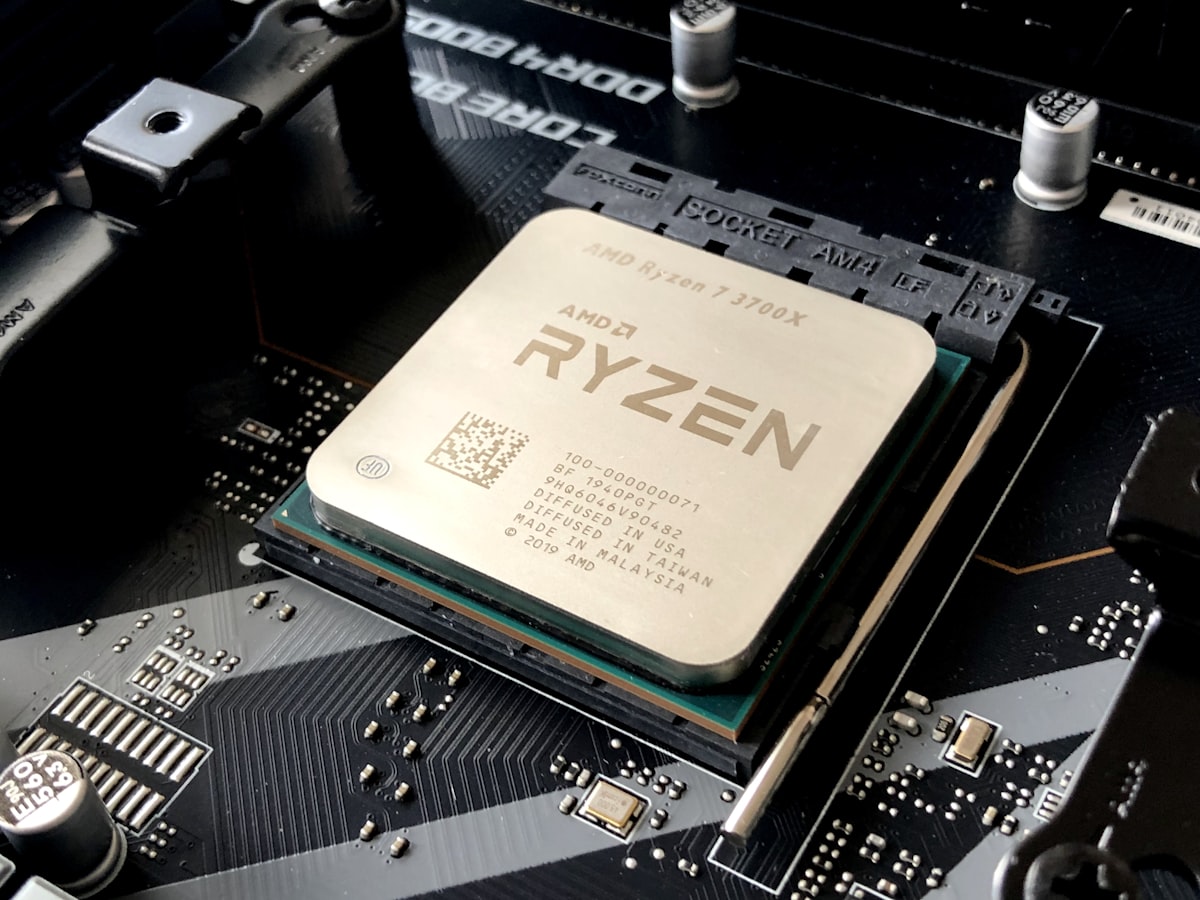
Modern game install sizes regularly push past 100GB to 150GB, making internal solid-state drive expansion an absolute necessity for both PC enthusiasts and PlayStation 5 owners.
Fortunately, PCIe 4.0 storage prices have stabilized, allowing you to snag blisteringly fast 1TB and 2TB drives with dedicated heatsinks for well under the $100 mark.
Whether you need to meet the PS5’s strict 5,500 MB/s speed threshold or want top-tier DirectStorage loading speeds on Windows 11, here are the top 5 budget-friendly NVMe SSDs to buy right now.
Quick Comparison: Top Budget NVMe SSDs
| Drive Model | Interface | Sequential Read / Write | Best Form Factor | Typical Price (1TB / 2TB) |
|---|---|---|---|---|
| WD_BLACK SN850X | PCIe 4.0 x4 | 7,300 / 6,600 MB/s | PS5 & High-End PC | $89 (1TB w/ Heatsink) |
| Crucial T500 | PCIe 4.0 x4 | 7,400 / 7,000 MB/s | Content Creation & Gaming | $84 (1TB) / $105 (2TB deal) |
| Lexar NM790 | PCIe 4.0 x4 | 7,400 / 6,500 MB/s | PS5 Expansion & Laptops | $74 (1TB) / $99 (2TB) |
| Samsung 990 EVO Plus | PCIe 4.0 / 5.0 x2 | 7,250 / 6,300 MB/s | PC DirectStorage Rigs | $79 (1TB) |
| Teamgroup MP44 | PCIe 4.0 x4 | 7,400 / 6,900 MB/s | Maximum Value / Budget PC | $68 (1TB) / $95 (2TB) |
1. WD_BLACK SN850X (Best Overall for PS5)
The WD_BLACK SN850X remains the gold standard for drop-in PlayStation 5 upgrades and enthusiast gaming desktops.
- Read Speed: Up to 7,300 MB/s
- Key Advantage: Built-in low-profile aluminum heatsink fits directly into the PS5 M.2 expansion bay without needing third-party thermal pads.
- Verdict: The most reliable plug-and-play choice with an exceptional 5-year warranty and top-tier random read IOPS for cutting down open-world load screens.
2. Crucial T500 (Best Performance & Power Efficiency)
Powered by 232-layer TLC NAND flash and a dedicated LPDDR4 DRAM cache, the Crucial T500 maximizes PCIe 4.0 bandwidth to deliver near-instantaneous DirectStorage asset streaming on PC.
- Read Speed: Up to 7,400 MB/s
- Key Advantage: Industry-leading power efficiency, running significantly cooler than older Gen4 controllers.
- Verdict: The ideal pick for tight ITX PC cases and handheld eGPU docks where thermal management is critical.
3. Lexar NM790 (Best Value 2TB Capacity Pick)
If your primary goal is raw capacity per dollar without sacrificing speed, the Lexar NM790 uses the Maxio MAP1602 DRAM-less controller with Host Memory Buffer (HMB) 3.0 technology to punch well above its weight class.
- Read Speed: Up to 7,400 MB/s
- Key Advantage: Frequently drops under $100 for a massive 2TB model, making it the cheapest way to double your game library storage.
- Verdict: Fully compliant with PS5 specifications while delivering cool operating temperatures even under sustained write loads.
4. Samsung 990 EVO Plus (Best Hybrid Interface)
Samsung’s updated 990 EVO Plus provides unique hybrid lane support, operating on either PCIe 4.0 x4 or PCIe 5.0 x2 configurations.
- Read Speed: Up to 7,250 MB/s
- Key Advantage: Versatile lane routing provides future-proof compatibility with newer budget motherboards running dedicated Gen5 x2 slots.
- Verdict: A stellar all-around drive backed by Samsung’s reliable Magician SSD software for firmware updates and health tracking.
5. Teamgroup MP44 (Best Ultra-Budget Pick)
For PC builders stretching every dollar, the Teamgroup MP44 delivers top-tier sequential speeds with a super-thin graphene thermal label that installs easily under standard motherboard heat spreaders.
- Read Speed: Up to 7,400 MB/s
- Key Advantage: Aggressive pricing often sitting under $70 for 1TB, leaving more room in your budget for GPU or RAM upgrades.
- Verdict: The unmatched price-to-performance champion for custom desktop builds.
Buyer’s Checklist: Installing in a PlayStation 5
Before sealing your drive into your console, ensure:
- Speed Requirement: Your drive meets or exceeds Sony’s recommended 5,500 MB/s read speed (all 5 drives above comfortably surpass 7,200 MB/s).
- Heatsink Clearance: The total height of the drive plus heatsink must not exceed 11.25 mm to fit properly under the metal expansion slot cover.
- Firmware Updates: If you buy a drive without a factory heatsink, install an inexpensive 8mm aluminum M.2 heatsink with silicone thermal pads.
Upgrading your storage before the fall release rush? Stay tuned to VoxelWire for step-by-step console installation guides and PC benchmark comparisons.


Discussion & Responses